Kaspi.kz Shop (often called Kaspi Magazin) is Kazakhstan's largest marketplace, and any business that sells physical goods can become a Kaspi partner. You need a registered business (sole proprietor or LLP), a Kaspi Pay account and at least 20 days of payments received through Kaspi Pay in the last 2 months. You apply from the Kaspi Pay app, and no documents are required. This guide walks through every step, from registration to your first sales, with the rules that apply in 2026.
Who can become a Kaspi seller?
Any company that sells goods and already accepts payments through Kaspi Pay. Kaspi sets three conditions:
- Kaspi Pay account. Only a registered sole proprietor (IE) or a limited liability partnership (LLP) in Kazakhstan can open one.
- Payment history. Money from customers reached your Kaspi Pay account on at least 20 separate days in the last 2 months. Kaspi uses this to confirm the business is active.
- Goods, not services. Services are listed in the separate Kaspi Ads section, not in the Shop.
Step 1. Register a business
If you don't have a business yet, register one first. A sole proprietorship can be opened online with your IIN through the eGov portal or in the Kaspi.kz app; an LLP takes longer, and only its director can connect it to Kaspi Pay. For a small online store, a sole proprietorship is usually enough.
Then download the Kaspi Pay app, open an account and start accepting Kaspi QR payments in a store, at a market stall or through social media. Two or three sales a week are enough to reach 20 payment days in two months.
Step 2. Apply to join Kaspi.kz Shop
On the home screen of the Kaspi Pay app, open "Kaspi.kz Shop", tap "Start selling" and follow the prompts. Once approved, the merchant cabinet is available both in the app and on the web, with sales statistics for each product.
What products sell well on Kaspi?
Products with steady demand, a clear purchase price and only a few sellers on the product card. Before you buy stock, check how many sellers already offer the item and at what price, what the category commission is, and whether the product is restricted or needs approval. Selling your own brand requires approval with a registered trademark number.
Step 3. List your products
Search the Kaspi catalog first. If a matching product card exists, select it, check the model, color and package contents, then set your price, stock and warehouse. Your offer goes live in about 15 minutes.
If there is no card, create a new one; sellers report that moderation takes up to 3 working days. Some brands and categories need prior approval from Kaspi, which you request through a form in the Kaspi partner guide. With a large catalog, upload products with a price list or connect an inventory system so prices and stock update automatically.
How much does Kaspi charge sellers?
The commission depends on the product category and is charged only on completed sales. If the buyer cancels, the commission is returned. Since 5 January 2026, each category has a single rate: Kaspi no longer charges extra during promotions with category bonuses or 0-0-12 installment plans. The exception is 0-0-24 installment periods, when the rate may change.
The commission is now shown excluding VAT, which is added on top. For most categories it works out to about 12.5% including VAT. Check the exact rate for your category in the merchant cabinet before you set prices.
Buyers pay with a Kaspi Gold card, on credit or in installments. Payment, minus commission, reaches your Kaspi Pay account once the order status changes to "Issued".
Step 4. Choose a delivery method
Kaspi Delivery is the easiest option to start with: you drop parcels off at a Kaspi intake point and Kaspi handles the rest. When you connect it, set the days you will bring parcels in. Changes take effect within two hours. If your city is not on the map in the cabinet, Kaspi Delivery is not available there yet.
| Method | How it works | Best for |
|---|---|---|
| Kaspi Delivery | You pack the item, attach the waybill and hand the parcel to Kaspi | Sellers without their own couriers, nationwide sales |
| Kaspi Postomat | The buyer collects the parcel from a parcel locker | Small items that fit in a locker cell |
| Own delivery | You deliver the order to the buyer yourself | Bulky goods, sellers with a courier in their city |
| Express delivery | Same-day delivery in major cities | Established sellers with a warehouse in Almaty, Astana or Shymkent |
| Pickup | The buyer collects the item from your store or warehouse | Sellers with a conveniently located shop |
The Kaspi Delivery fee depends on order value, weight and destination, and is charged after the item is issued. Current rates are listed in the merchant cabinet.
Step 5. Pack the parcel and print the waybill
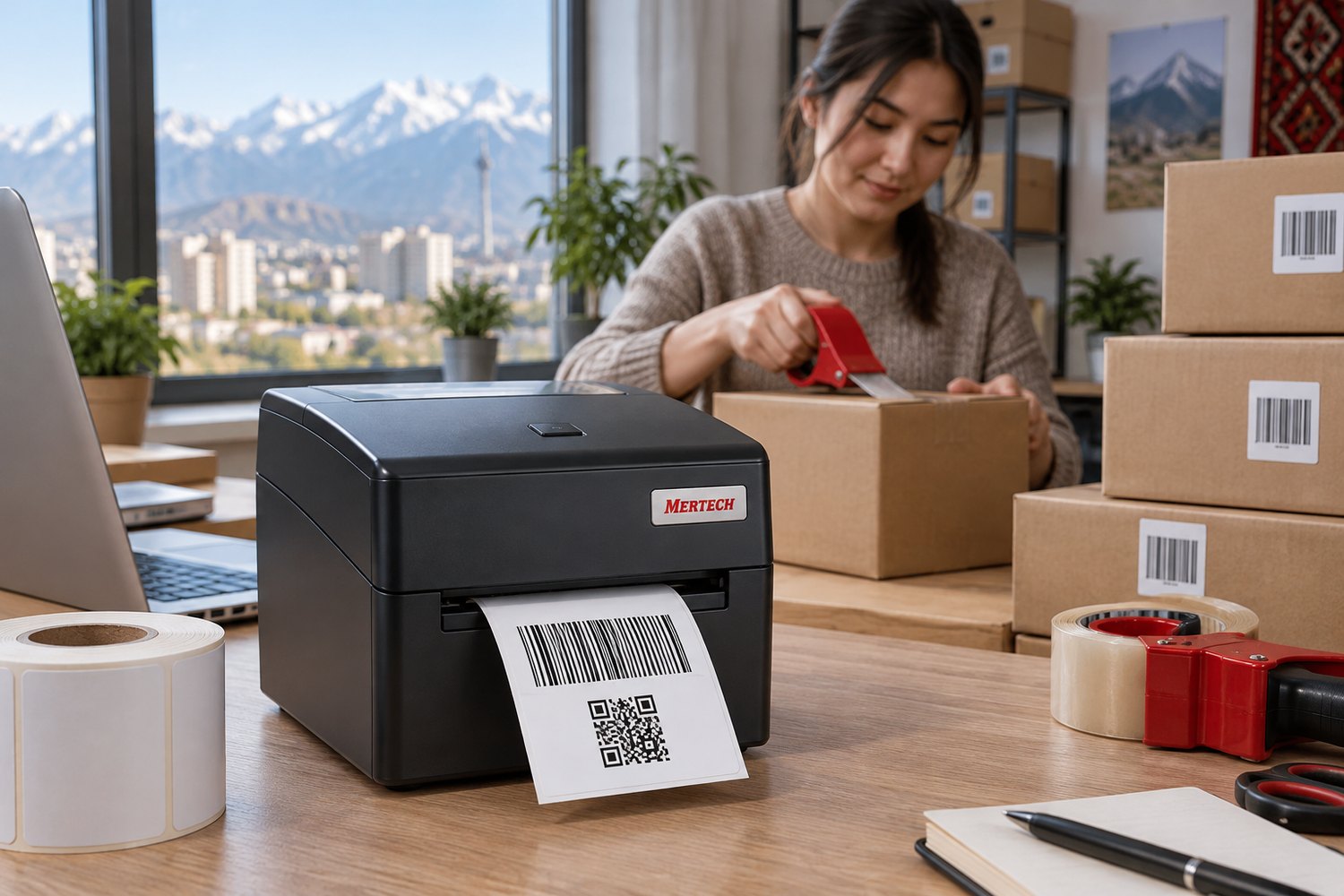
Every Kaspi Delivery parcel needs a printed waybill.
- Pack the item according to the requirements for its category. Record the packing on video with the date and time visible.
- In the merchant cabinet, go to Orders → Packing, select the order and generate the waybill. Enter the number of boxes or bags.
- Download the PDF and print it. The minimum size is A7 (105 × 74 mm), and the print must be sharp because it is scanned at drop-off.
- Bring the parcels to the intake point on your scheduled day. The courier checks them and shows a QR code on a terminal. Scan it with your phone to receive the handover certificate.
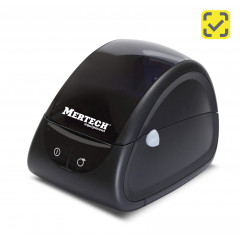
What printer do you need for Kaspi waybills?
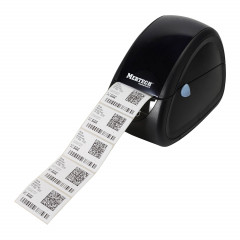
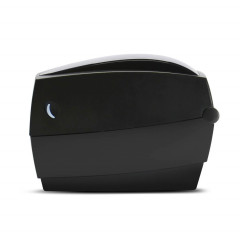
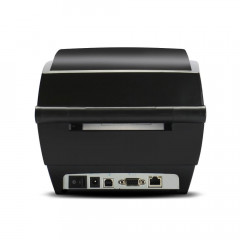
Any label printer with a print width of at least 74 mm, so the A7 format fits without scaling. A resolution of 203 dpi is enough for the barcode and QR code to scan on the first try.
| Model | Print method | Print width, mm | Best for |
|---|---|---|---|
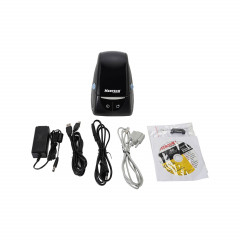
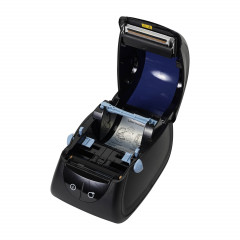
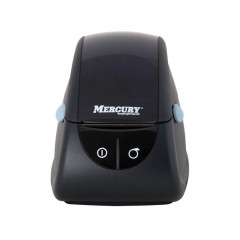
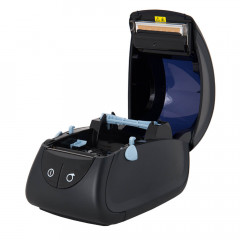
| MERTECH LP80 EVA | Direct thermal, 203 dpi | 80 | Sellers on Kaspi only |
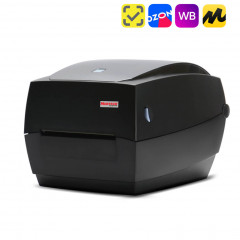
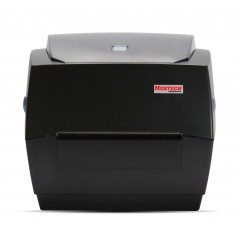
| MERTECH TLP100 TERRA NOVA | Thermal transfer, 203 dpi | 20–108 | Sellers on Kaspi, Wildberries and Ozon who also need 100 × 150 labels |
See all models in the label printers catalog.
How do you increase sales on Kaspi?
A product card shows several sellers, and those with a better price, rating and delivery time rank higher. After launch, three levers matter:
- Price. Watch competitors on the card: a difference of a few percent changes your place in the seller list.
- Ads and promotions. The merchant cabinet offers product ad campaigns and Shop promotions; the terms of each are in the Marketing section.
- Stock. You can't sell what isn't in the warehouse, and seller-caused cancellations hurt your rating. An inventory system or regular stock counts with a barcode scanner solve this.
Which metrics affect your seller rating?
Kaspi tracks quality metrics, which must stay at "Normal" or above. Below that, your offer drops in the product card, and repeated violations can end the partnership. Watch four numbers:
- customer rating of at least 4 stars;
- seller-caused cancellations of 3% or less;
- late handovers to Kaspi Delivery under 10%;
- quality-related returns under 2%.
Scanning each item's barcode during picking is the simplest way to avoid shipping the wrong size or color.
Common mistakes new Kaspi sellers make
- Applying before reaching 20 payment days. The application will be rejected.
- Pricing without VAT and delivery. VAT on the commission is now charged separately, and the delivery fee is deducted after the item is issued.
- Picking the wrong product card. A mismatch in model or contents leads to returns and a lower rating.
- Printing the waybill smaller than A7 or too faint. It can't be scanned at drop-off, and the parcel is delayed.
- Skipping the packing video. Without it, proving that the item left complete and undamaged is hard.