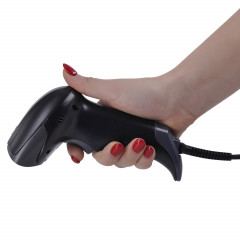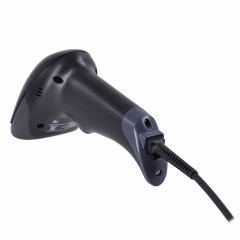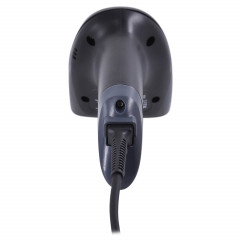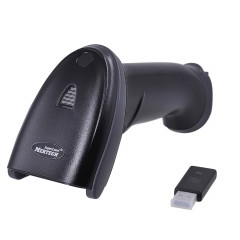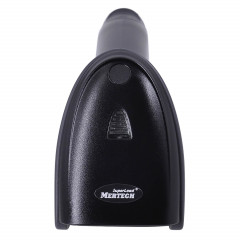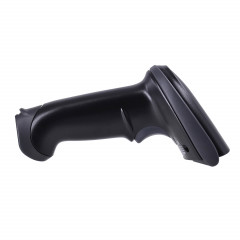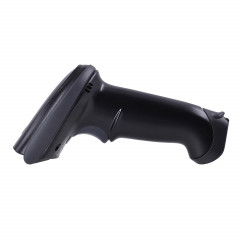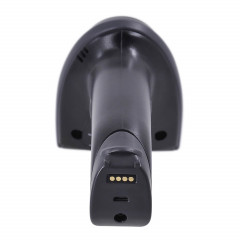
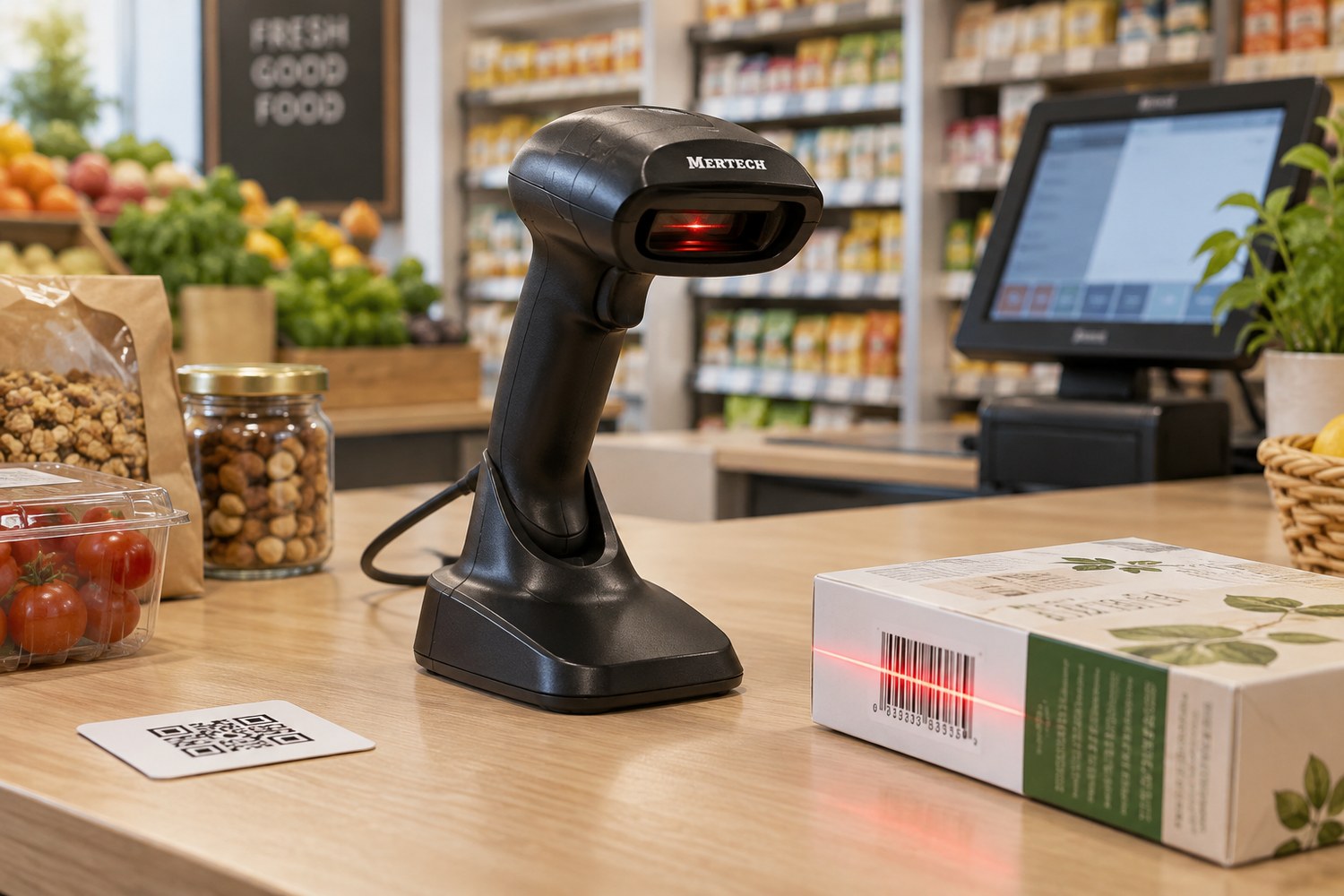
A barcode scanner is a device that reads the barcode or QR code on a product, a label or a phone screen and sends the data to your POS or inventory software in a fraction of a second. Instead of typing a 13-digit article number, the cashier pulls the trigger, hears a beep, and the item is already on the receipt. This guide explains what a barcode scanner is, how it works, the difference between 1D and 2D scanners, the main types of scanners and how to choose one for a shop, warehouse or pickup point in Kazakhstan.
What is a barcode scanner
A barcode scanner turns a pattern of bars or squares into characters a computer can understand. The scanner itself knows nothing about the product: your POS or accounting system looks up the name, price and stock level in its own database.
You may hear it called a barcode reader, a code reader or a POS scanner. These are all the same device. Do not confuse it with a document scanner: a document scanner makes an image of a page, while a barcode scanner only decodes the barcode and outputs its content as text.
How does a barcode scanner work
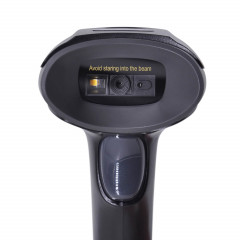
Every scanner has the same core components: a light source (a red LED or a laser), optics, a sensor (a line of photodiodes or a camera-style image sensor), a decoder and an interface for connecting to a computer (USB, RS-232, Bluetooth or a radio base).
Barcode scanning takes four steps:
- Illumination. The scanner lights up the barcode. Dark bars absorb light and white spaces reflect it.
- Capture. The sensor records the reflected light and gets an image of the barcode.
- Decoding. The processor detects the symbology (EAN-13, Code 128, QR), checks the check digit and converts the image into characters.
- Data transfer. The decoded string goes to the computer, POS terminal or cash register.
Most USB scanners work in keyboard emulation mode (USB-HID): the computer sees the scanner as a keyboard that types the barcode very fast and presses Enter. That is why a barcode scanner works with almost any software without drivers, from Notepad to your POS app or 1C.
Barcode types: 1D and 2D barcodes
Linear (1D) barcodes are vertical bars of different widths read along one line. Examples are EAN-13 on retail packaging, Code 128 on warehouse labels and UPC on imported goods. Products made in Kazakhstan usually carry an EAN-13 barcode with the 487 prefix issued by GS1 Kazakhstan.
Two-dimensional (2D) barcodes store data both horizontally and vertically, so they hold much more information: a link, a serial number, a production date. Examples are QR codes for payments and links, Data Matrix for product marking and PDF417 on documents.
| Barcode | Type | Where you see it |
|---|---|---|
| EAN-13, UPC | 1D | Retail product packaging |
| Code 128, Code 39 | 1D | Warehouse labels, shipping documents |
| QR code | 2D | Kaspi QR payments, links, e-receipts |
| Data Matrix | 2D | Marking of shoes, medicines, tobacco |
Kazakhstan has mandatory marking of several product groups with 2D barcodes, and the list keeps growing. Any shop selling marked goods needs a 2D barcode scanner.
1D vs 2D barcode scanner
| Feature | 1D scanner | 2D scanner |
|---|---|---|
| Barcodes it reads | Linear only: EAN, UPC, Code 128 | Linear and 2D: QR, Data Matrix |
| Reads from a phone screen | Usually no | Yes |
| Damaged barcodes | Poor | Reliable |
| Barcode orientation | Must be aligned with the bars | Any angle, 360° |
| Best for | A simple till without marked goods | Shops, warehouses, pharmacies, pickup points, QR payments |
Today the price gap between 1D and 2D models is small, and a 2D scanner covers QR payments and product marking for years ahead. All Mertech barcode scanners in our catalog are 2D image scanners.
Barcode scanner technologies
- LED (CCD) scanners. Budget 1D models that read barcodes at close range, a few centimetres away.
- Laser barcode scanners. A thin laser beam sweeps across the bars and reads from up to half a metre or more. They read linear codes only and struggle with phone screens.
- 2D imagers. A camera-style sensor takes a picture of the barcode and decodes it in software. They can read any 1D and 2D barcode, from screens and at an angle. Current Mertech models use this technology.
Two specs matter most for a 2D scanner: sensor resolution and minimum element size (MIL). For example, the MERTECH 2310 P2D HR has a 1280 × 1080 sensor and reads barcodes from 3 MIL: high-resolution (HR) models are made for the tiny marking codes on medicines.
Types of barcode scanners
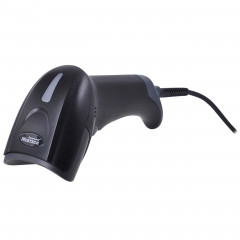
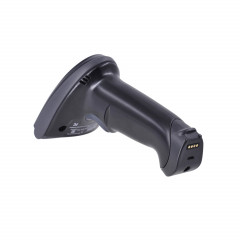
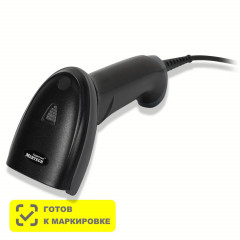
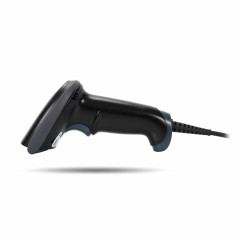
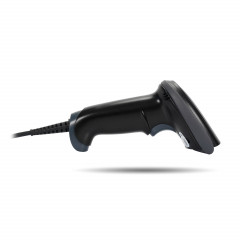
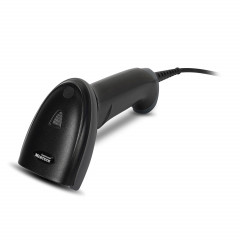
Handheld barcode scanners. The most common type: you pick up the scanner, aim it and press the trigger. They suit checkouts, warehouses and goods receiving. Many models come with a stand that switches the scanner to presentation mode, so it reads automatically when you bring a product close.
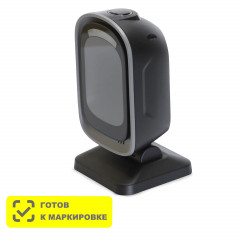
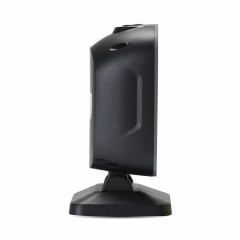
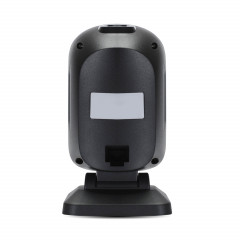
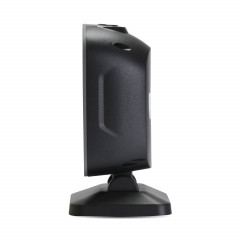
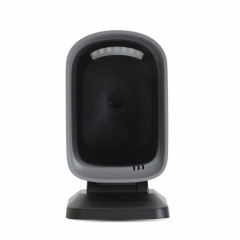
Stationary (presentation) scanners. They sit on the checkout counter and read barcodes as products pass the window. The cashier keeps both hands free, so queues move faster.
Embedded scanners. Compact modules built into self-checkout kiosks, turnstiles and information terminals.
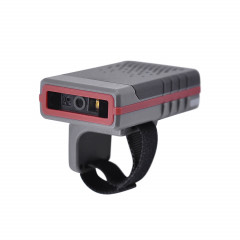
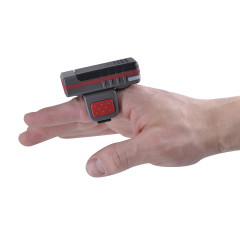
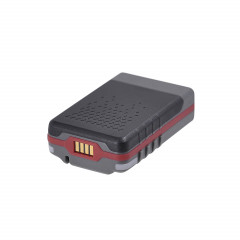
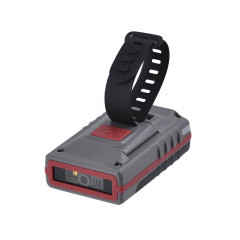
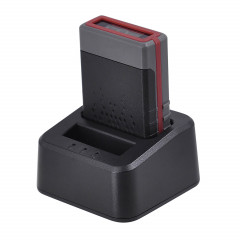
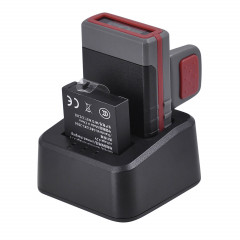
Ring (wearable) barcode scanners. Worn on a finger to keep both hands free. Handy for order picking and at pickup points.
Industrial scanners. Mounted on conveyors and production lines to read barcodes on moving items.
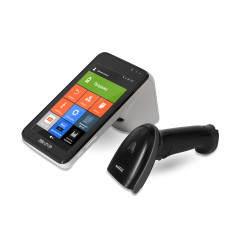
A separate category is mobile barcode scanners, or mobile computers (data collection terminals): a handheld device with a screen and a built-in scanner for stocktaking and warehouse management.
| Scanner type | Example model | Key specs | Best for |
|---|---|---|---|
| Handheld, wired | MERTECH 2210 P2D | Reads up to 370 mm, USB | Shop checkout, café |
| Handheld, wireless | MERTECH CL-2210 BLE Dongle P2D | Bluetooth BLE 5.0, 2600 mAh battery | Warehouse, goods receiving |
| Stationary | MERTECH 8500 P2D Mirror | Up to 350 scans per second | Supermarket, pharmacy |
| Ring scanner | MERTECH X21 BLE Dongle P2D | IP54, up to 10,000 scans per charge | Pickup point, order picking |
See all models in the barcode scanners section: handheld, stationary, wireless and ring scanners.
Wired or wireless
A wired scanner connects with a USB or RS-232 cable and never needs charging, which makes it a good fit for a checkout where customers bring items to the cashier. A wireless scanner talks to the computer over Bluetooth or through a radio base (a dongle in a USB port). It is convenient for heavy or bulky goods, in the warehouse and during receiving.
When choosing a wireless model, check battery capacity and range. Bluetooth is enough for a sales floor or a small stockroom; a large warehouse needs a model with a radio base.
Where barcode scanners are used
Barcode scanners are used wherever a business needs to identify products quickly and without typing errors.
- Retail and checkouts. Faster service and no mistakes when entering prices.
- Warehouses. Receiving, moving, stocktaking and shipping without typing article numbers.
- Pickup points and marketplace sellers. Checking parcels and QR codes at Wildberries and Ozon pickup points and for Kaspi.kz sellers. See our step-by-step guide on how to sell on Kaspi.
- Pharmacies and marked goods. Marking codes need a high-resolution 2D scanner, see Data Matrix scanners.
- QR code payments. The customer shows a QR code on their phone and a QR code scanner reads it without help from the cashier.
How to connect and test a barcode scanner
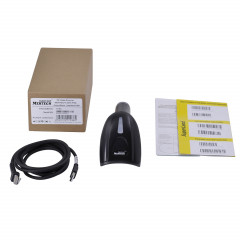
To connect a USB barcode scanner, just plug the cable into a port: Windows detects it as a keyboard. Open Notepad and scan any product barcode. If digits appear, the scanner is ready to work with your POS software.
If you see letters instead of digits, switch the keyboard layout to English: in emulation mode the scanner "types" characters, and the active layout affects them.
Why a scanner won't read a barcode
- A 1D scanner and a 2D barcode. A linear barcode scanner physically cannot read QR or Data Matrix barcodes.
- Poor label print quality. A faded, smudged or too small barcode. Reprint the label or use an HR model.
- Glossy packaging. Film reflects the light, so change the scanner angle.
- The symbology is disabled. Some barcode types are off by default and are enabled by scanning a setup barcode from the manual.
How to choose a barcode scanner
Start with the task: what you scan, where and how many times a day. A small shop checkout needs a wired handheld 2D scanner, a supermarket needs a stationary one, a warehouse needs a wireless scanner or a mobile computer, and a pickup point needs a ring scanner. We compare models and criteria in detail in how to choose a barcode scanner for a shop in Kazakhstan.